Pelosi Tracker Spring 2026 Update: A New Lite Plan, Community Portfolios and More
What's New This Spring
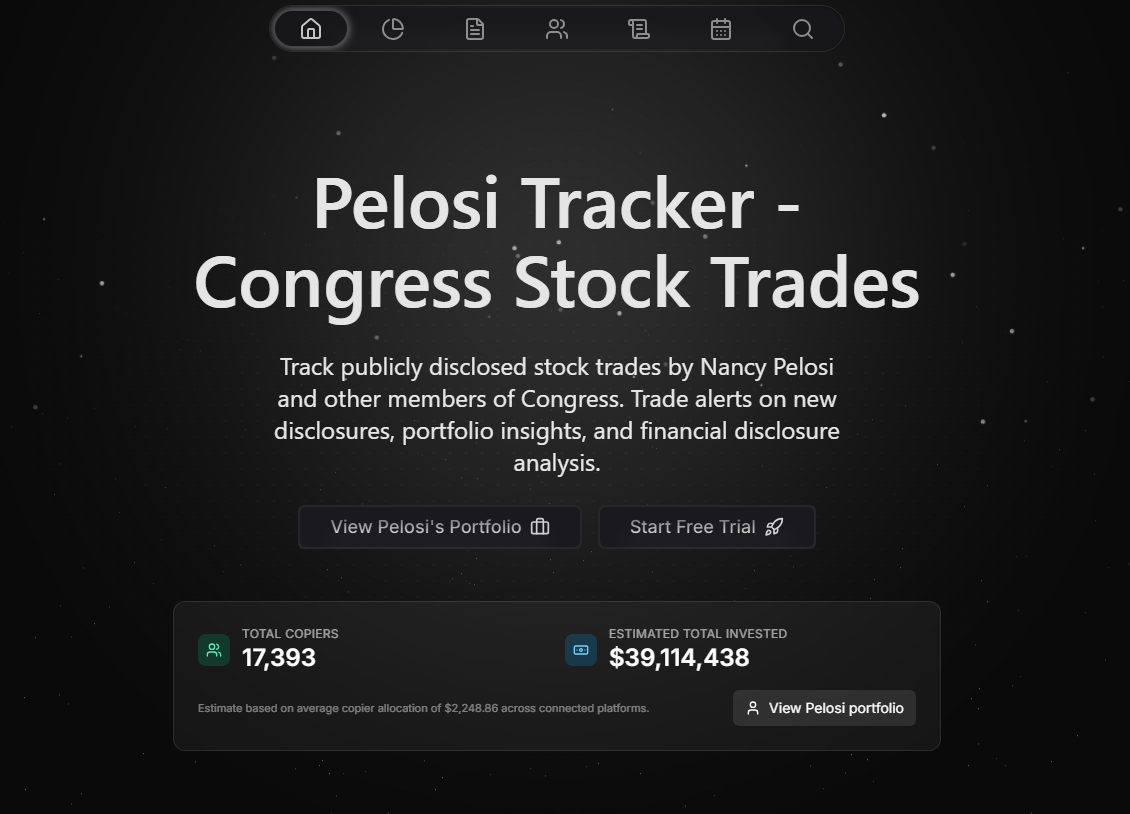
This update is all about choice and control. Over the last few months we've focused less on adding raw features and more on making Pelosi Tracker easier to pay for, easier to manage, and easier to get around.
The headline is a brand new Lite plan, a lower-cost option that sits between Free and Pro, alongside clearer pricing that shows the right amount in your local currency. We've also rebuilt subscription self-management so you can pause, switch, downgrade or reactivate your plan without ever leaving the app, launched Community Portfolios so you can browse and follow portfolios built by other users, and shipped a global command palette that lets you jump anywhere in seconds. Our Discord bot has grown up too.
Whether you're a free user weighing up your first upgrade, a subscriber managing your plan, or someone who just lives in our Discord, there's something here for you.
1. Introducing the Lite Plan
A Lower-Cost Way Into Paid Features
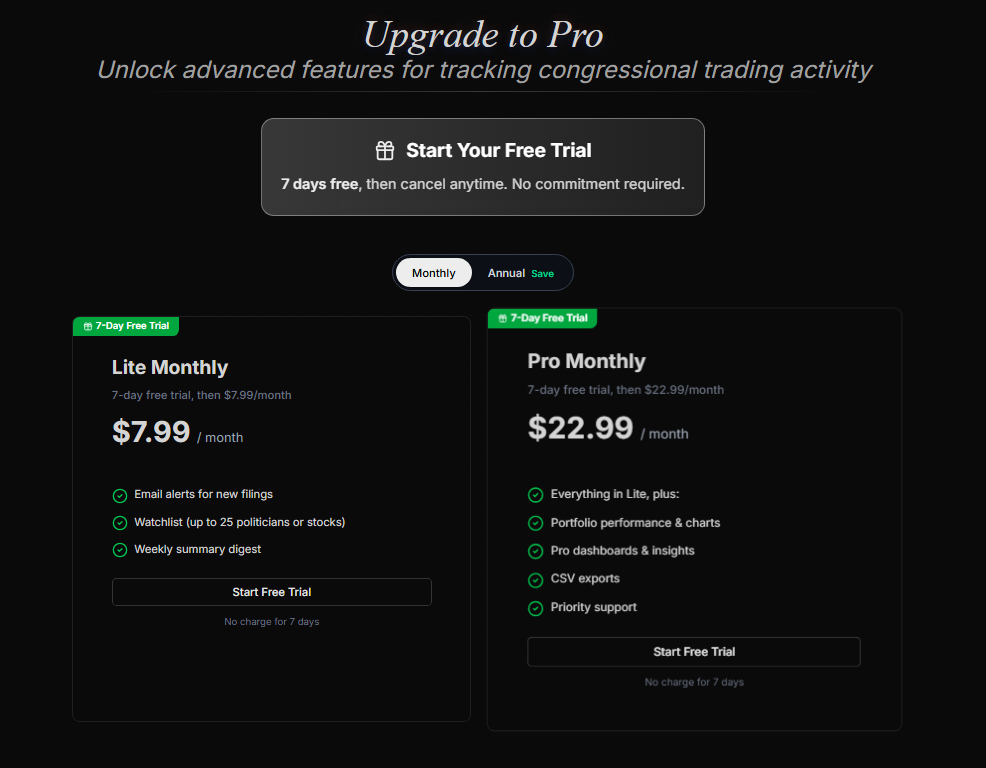
Until now the choice was simple but blunt: stay on Free, or jump straight to Pro. A lot of you told us Pro was more than you needed, so we've added a middle tier.
Lite is a new paid plan that sits between Free and Pro. It's designed for people who want a little more than the free experience, a personal watchlist and email digests to keep them in the loop, without paying for the full analytics suite.
Lite includes:
- A personal watchlist so you can keep the stocks and politicians you care about in one place
- Email digests that bring congressional trading activity to your inbox on a regular cadence
Pro remains the complete package, and everything that makes Pelosi Tracker powerful stays exclusive to it:
- Unlimited watchlists
- Custom portfolios and the opportunity tracker
- Advanced trade alerts
- The politician trade overlay on the earnings, dividends and splits calendar
- Discord DM alerts and priority support
In short: Free lets you explore the platform, Lite adds the everyday conveniences of a watchlist and email digests, and Pro unlocks the full analytics and alerting toolkit.
Clearer, Region-Correct Pricing
We've also tidied up how prices are shown. When you sign up or upgrade, the plan picker now displays prices in your local currency (US dollars, pounds or euros) rather than a single fixed currency, so the number you see is the number you pay. Monthly and annual options are both available, with annual offering the usual saving over paying month to month.
2. Manage Your Subscription Your Way
Pause, Switch, Downgrade or Reactivate, All In-App
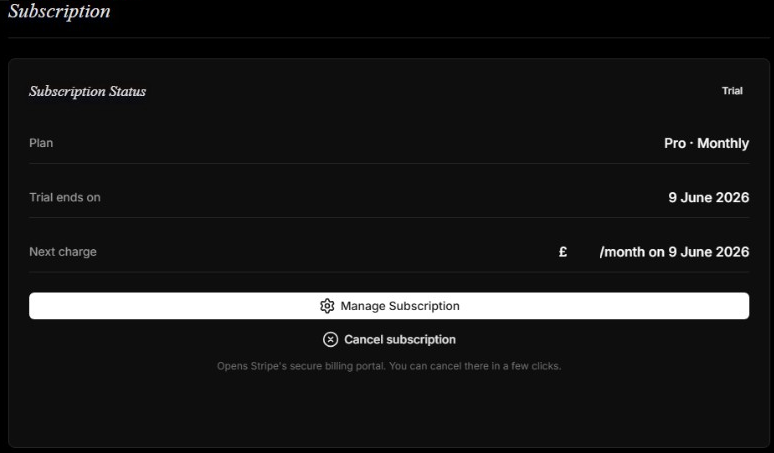
Managing a subscription used to mean a trip to the billing portal for almost everything. We've brought the most common actions directly into your subscription dashboard, so you stay in control without the friction.
You can now:
- Pause and resume billing when you need a break, then pick up exactly where you left off
- Switch plans in-app, including moving to annual billing or changing tier
- See active discounts on your dashboard, with your next charge clearly showing both the original and discounted price
- Reactivate a cancelled plan in one click while you're still inside your access window
A Friendlier Cancellation Flow
If you do decide to cancel, we'd rather understand why than simply wave you off. Our cancellation flow now asks for a quick reason and, where it makes sense, offers you the chance to downgrade to Lite instead of leaving entirely. It's a gentler off-ramp: keep your watchlist and digests for less, rather than losing everything.
Confirmation Emails for Every Change
Any time your plan changes, whether you upgrade, switch to annual, downgrade to Lite or reactivate, you'll get a clear confirmation email summarising what changed and what you'll pay next. No more wondering whether that change actually went through.
3. Community Portfolios
Discover Portfolios Built by Other Users
Tracking what Congress trades is one thing. Seeing how the wider community responds is another. Community Portfolios is a new public directory of portfolios created by Pelosi Tracker users.
On the Community Portfolios page you can:
- Browse every public portfolio in a clean, card-based directory
- Search by name to find a specific portfolio or creator
- Sort by newest, most followers, or number of holdings
- Follow the portfolios you like so you can keep an eye on them
Each card shows the portfolio's name and creator, a short description, its number of holdings, follower count, and performance at a glance. It's a great way to find inspiration, compare strategies, and see which community portfolios are gaining traction.
4. Find Anything Instantly
A Global Command Palette in the Navbar
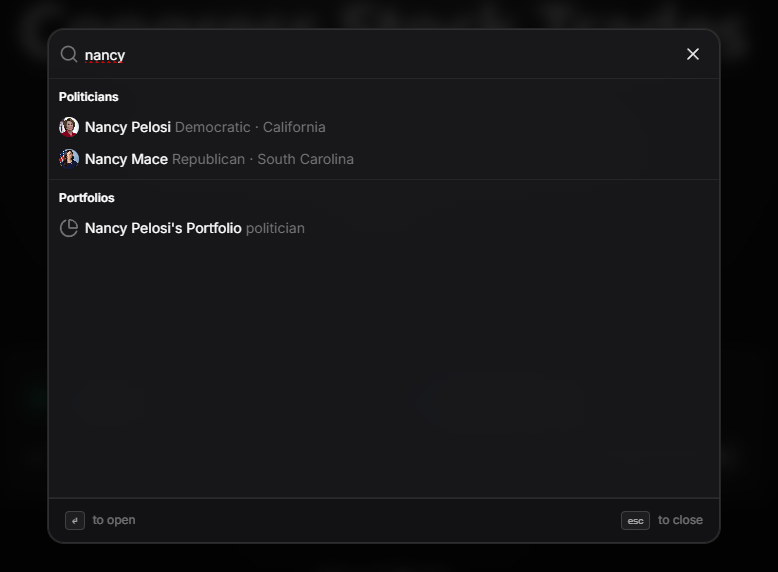
We've added a universal search-and-jump tool that works from anywhere on the site. Click the search trigger in the navigation bar, or press Cmd/Ctrl + K, and a command palette opens.
Start typing and it searches across the whole platform at once:
- Pages: jump straight to any top-level destination, from the calendar to your pricing page
- Politicians: find a politician and open their profile
- Stocks: jump to any stock page by ticker or name
- Portfolios and Community Portfolios: hop directly to a portfolio you're looking for
It's keyboard-first and fast, so you spend less time clicking through menus and more time on the data that matters. Selecting any result takes you straight there.
5. Join Us on Discord
A Bot at the Heart of Our Community
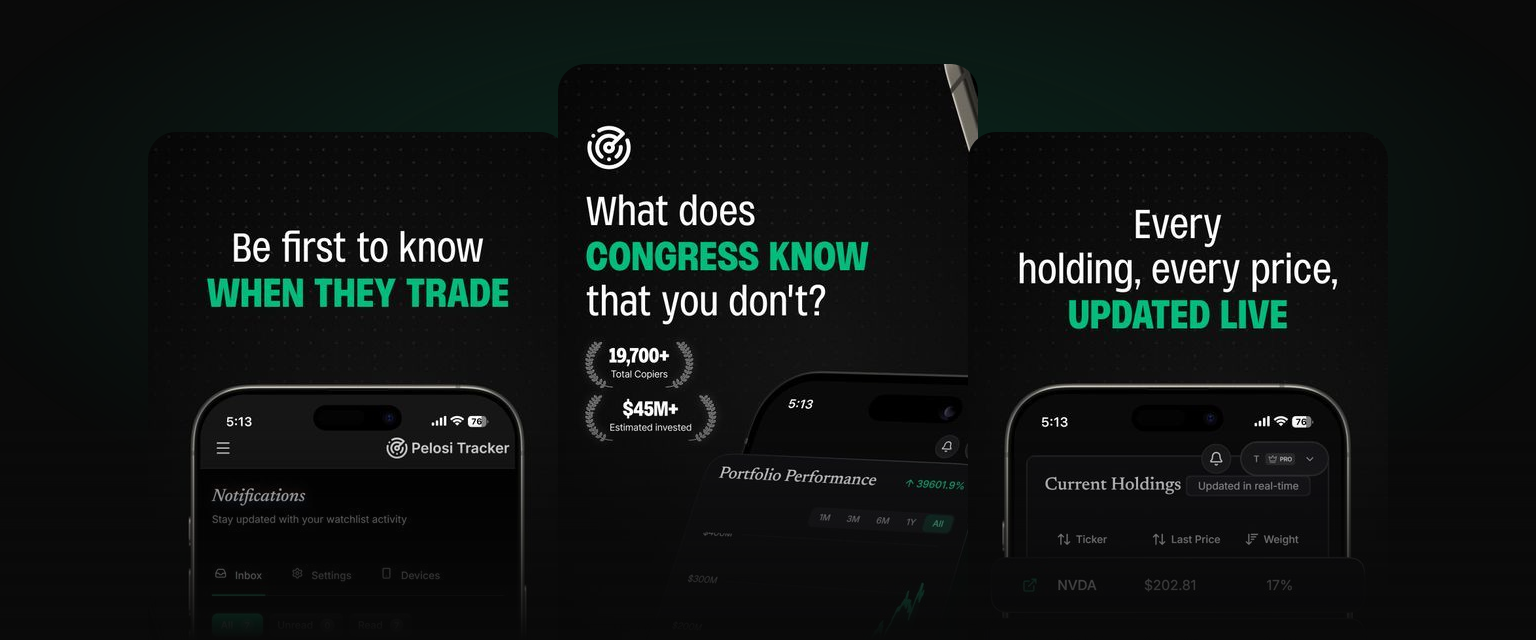
Our Discord bot has grown into a proper companion inside the official Pelosi Tracker server. Join our community and you can pull congressional trading data, check the market and have a bit of friendly competition, all without leaving the chat. Whether you want a quick market read or to climb the leaderboard, it's all a slash command away.
Command highlights:
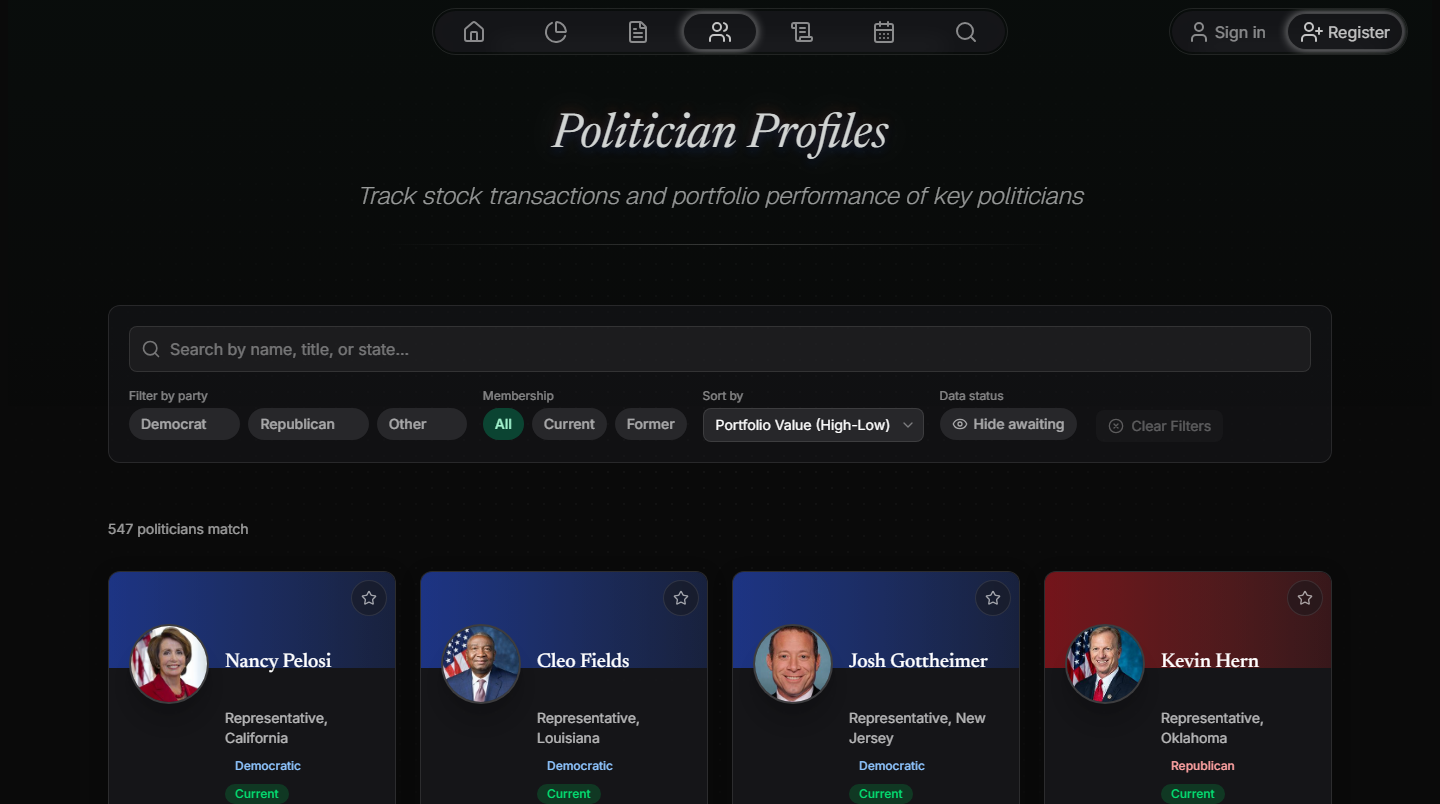
/trending: see the most-traded stocks and most active politicians over the last seven days/lookup: check whether Congress has been trading a particular stock/politician: pull up a politician's trading profile and recent activity/stats: view your own activity stats, including messages, invites and prediction points/help: see everything the bot can do
Follow Us on X
We've also launched an official account on X (formerly Twitter), Congress Tracker. Give us a follow for trade highlights, product updates and the occasional bit of market commentary, all in your timeline.
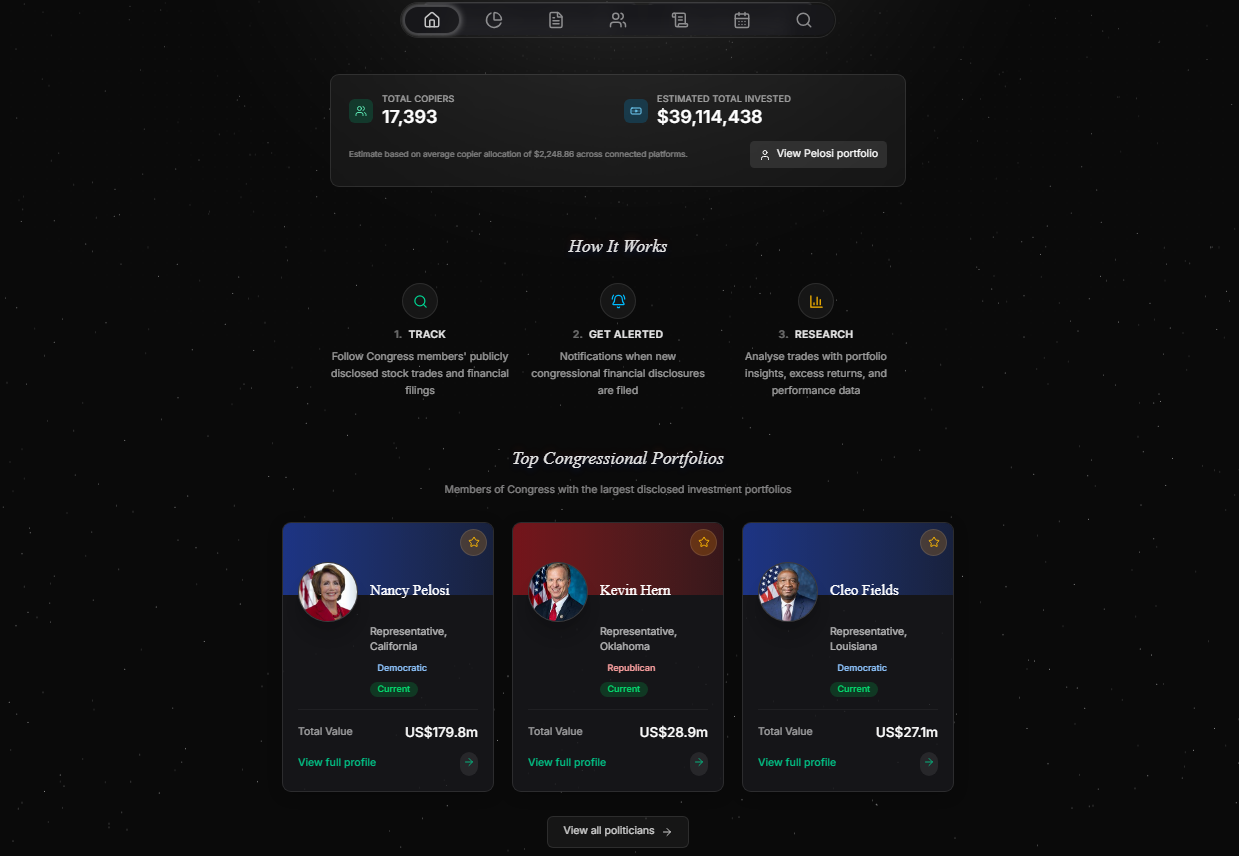
6. A Refreshed Homepage
We've given the homepage a cosmetic refresh too. The layout is cleaner and the design feels a little more polished, making it easier for new visitors to understand what Pelosi Tracker does at a glance. Nothing you rely on has moved, it just looks better.
A Few Smaller Touches
Alongside the headline features, we've made a handful of quality-of-life improvements that you might notice:
- Smarter calendar logic: the event calendar now handles reverse splits correctly and surfaces the next expected dividend more reliably
- Clickable trade tables: politician names and filings in trade tables now link straight through to the relevant profile or filing
- Trial reminder emails: if you're on a trial, you'll get a friendly heads-up before it ends so there are no surprises
What's Next
This update was about giving you more choice over how you use and pay for Pelosi Tracker, and more control once you're in. The new Lite plan and in-app subscription management both come directly from things you've asked for.
We're not slowing down. We've got some of our most ambitious features yet in the pipeline, and we can't wait to share them soon. As always, your feedback shapes what we build next.
Ready to Explore?
All of these features are live now. Here's where to start:
For Free Users:
- Compare plans on the pricing page and see whether Lite or Pro suits you
- Try the global command palette with Cmd/Ctrl + K
- Browse Community Portfolios for inspiration
For Lite and Pro Members:
- Manage your plan from your subscription dashboard
- Follow your favourite Community Portfolios
Join the Community:
- Join our Discord to use the bot and chat with other members
- Follow Congress Tracker on X for highlights and updates
New to Pelosi Tracker?
Create a free account to start tracking congressional trades, then choose the plan that fits you when you're ready.
Have questions about the Spring 2026 update? Drop a comment below or reach out through the suggestion box on your profile page. We read every message.
Comments
Leave a comment
Please sign in to post a comment
0 comments Live